Iyakku
Your phone becomes a remote control for your laptop
or install via pip: pip install iyakku
Your phone becomes a remote control for your laptop
or install via pip: pip install iyakku
From launch to full control — all from your phone.
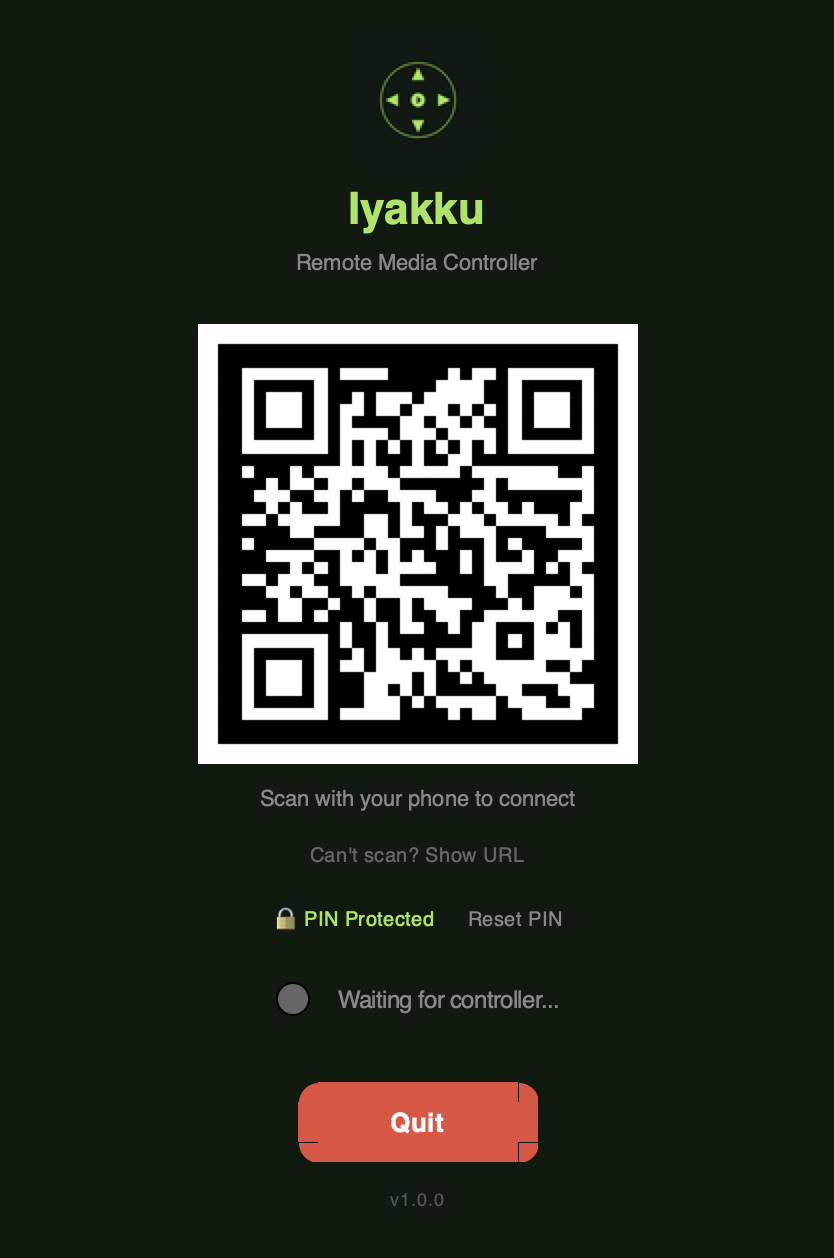
Launch & scan the QR code
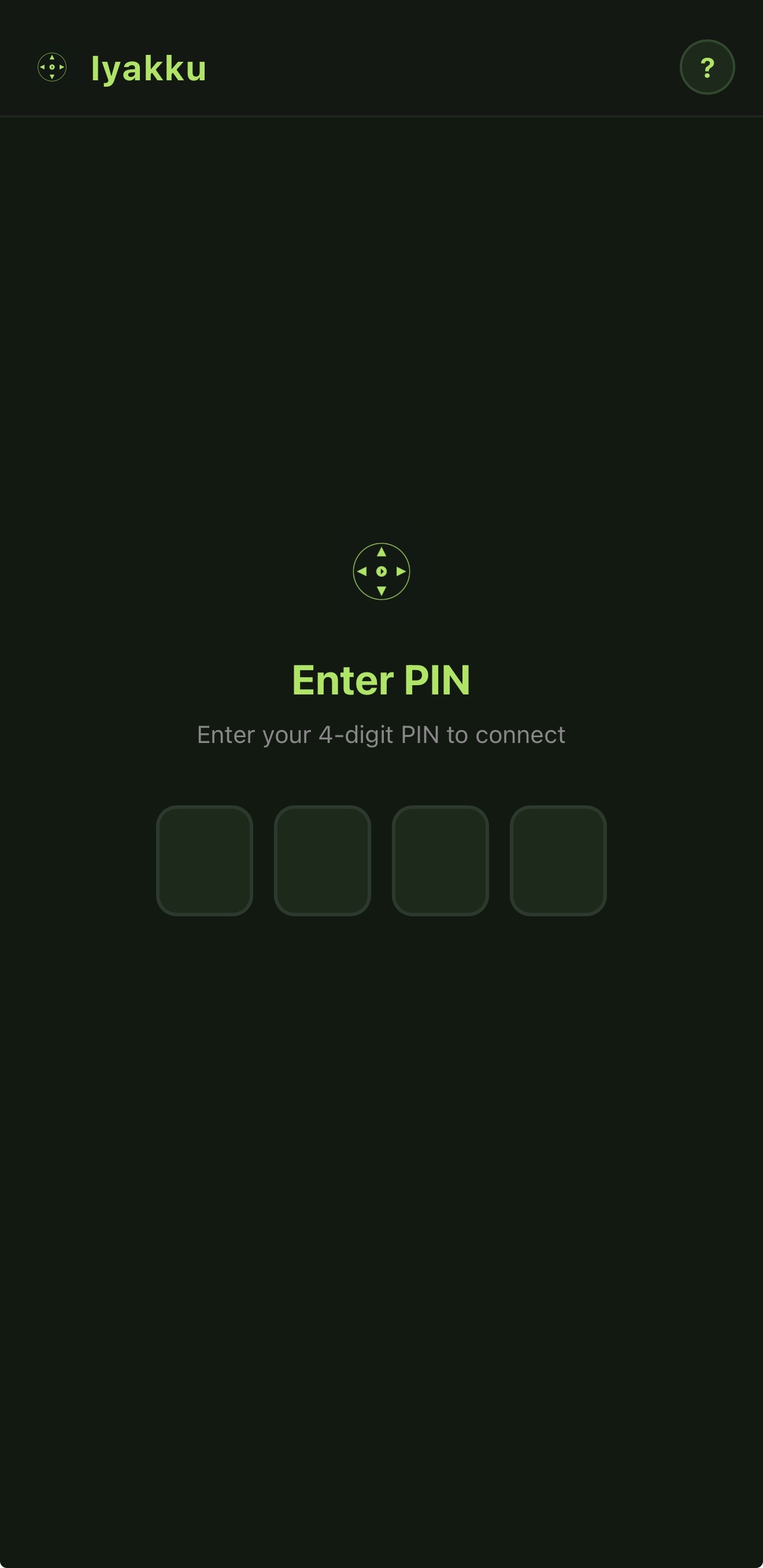
Secure PIN authentication
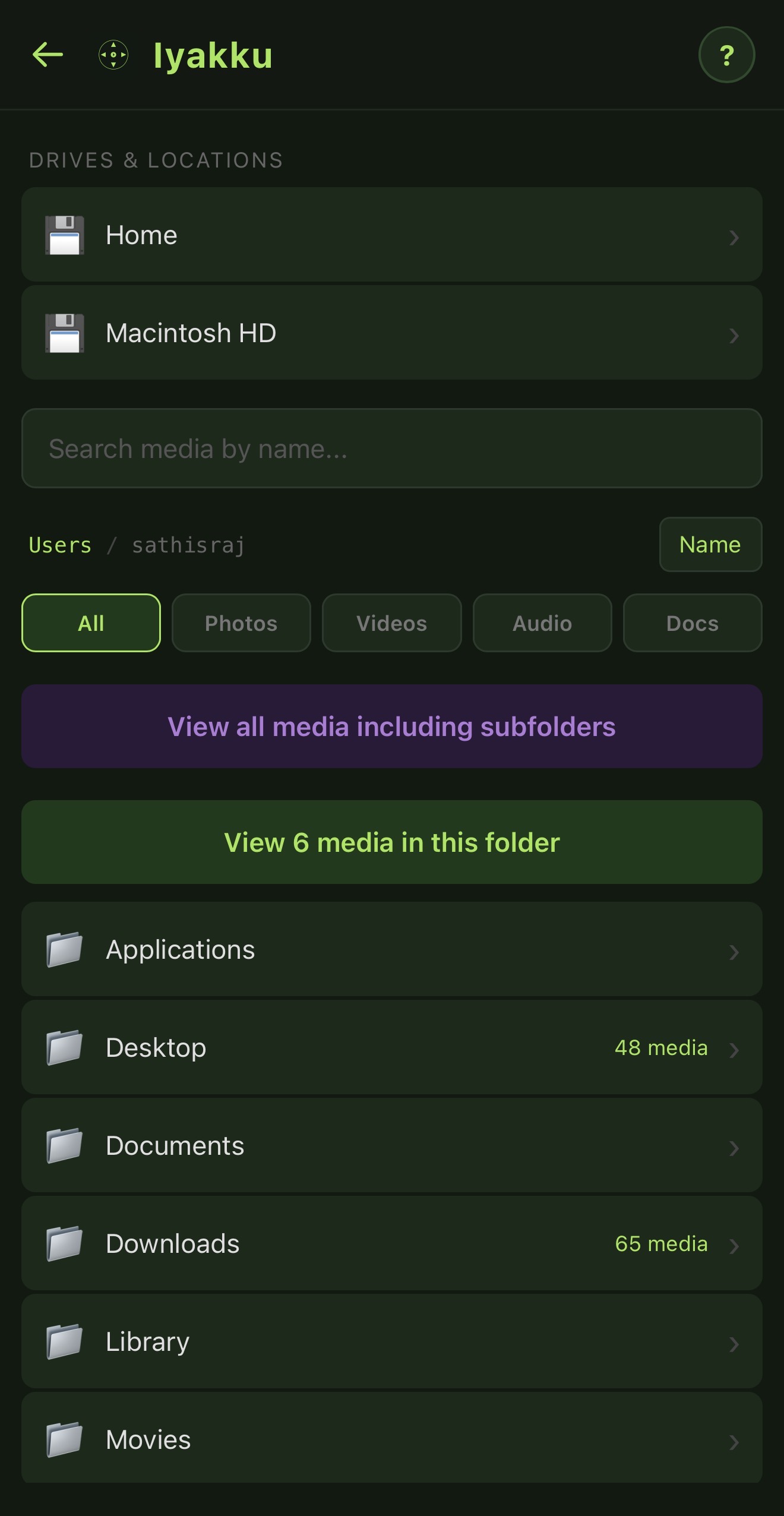
Browse folders & filter media
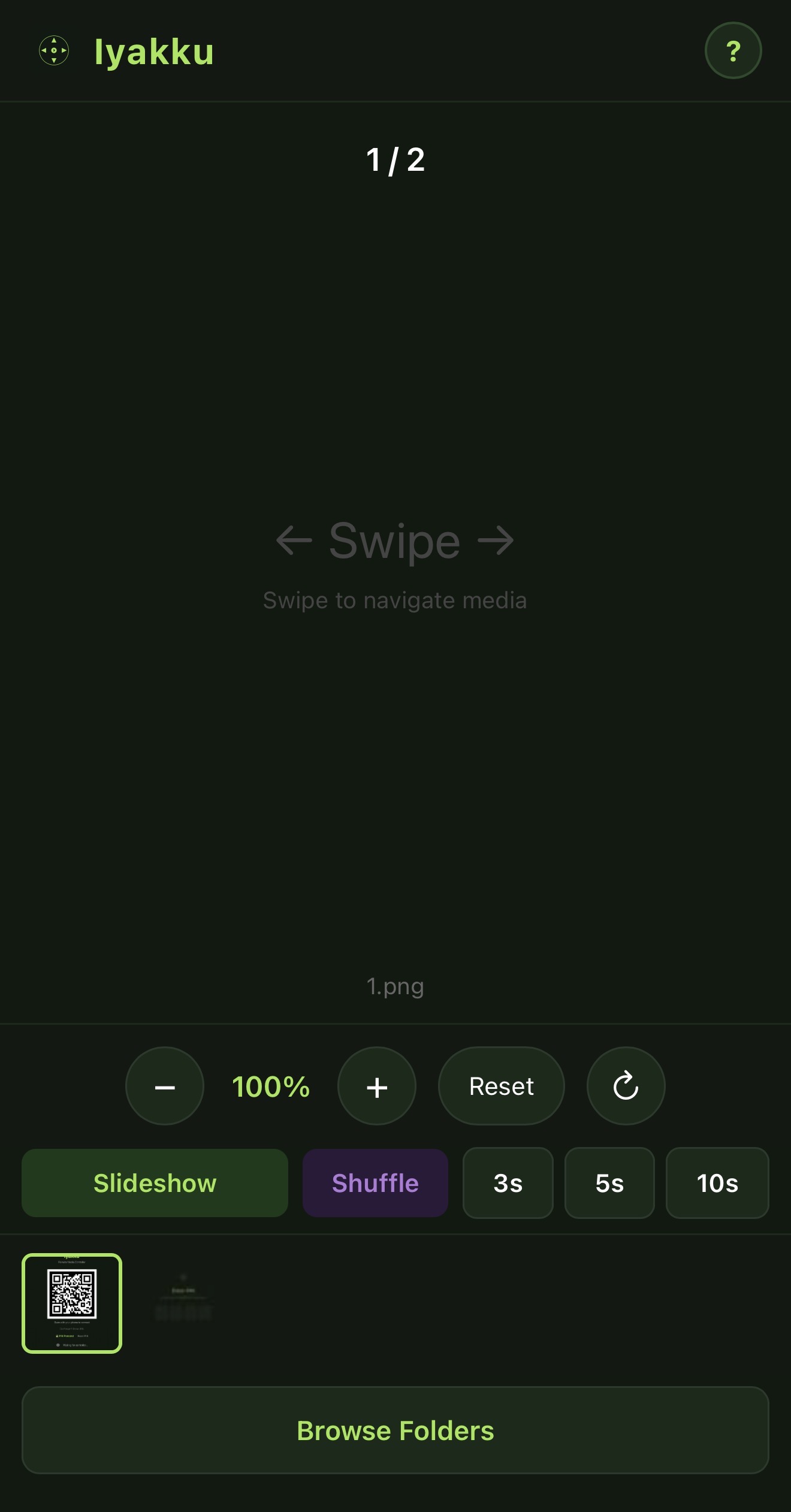
Zoom, slideshow & thumbnails
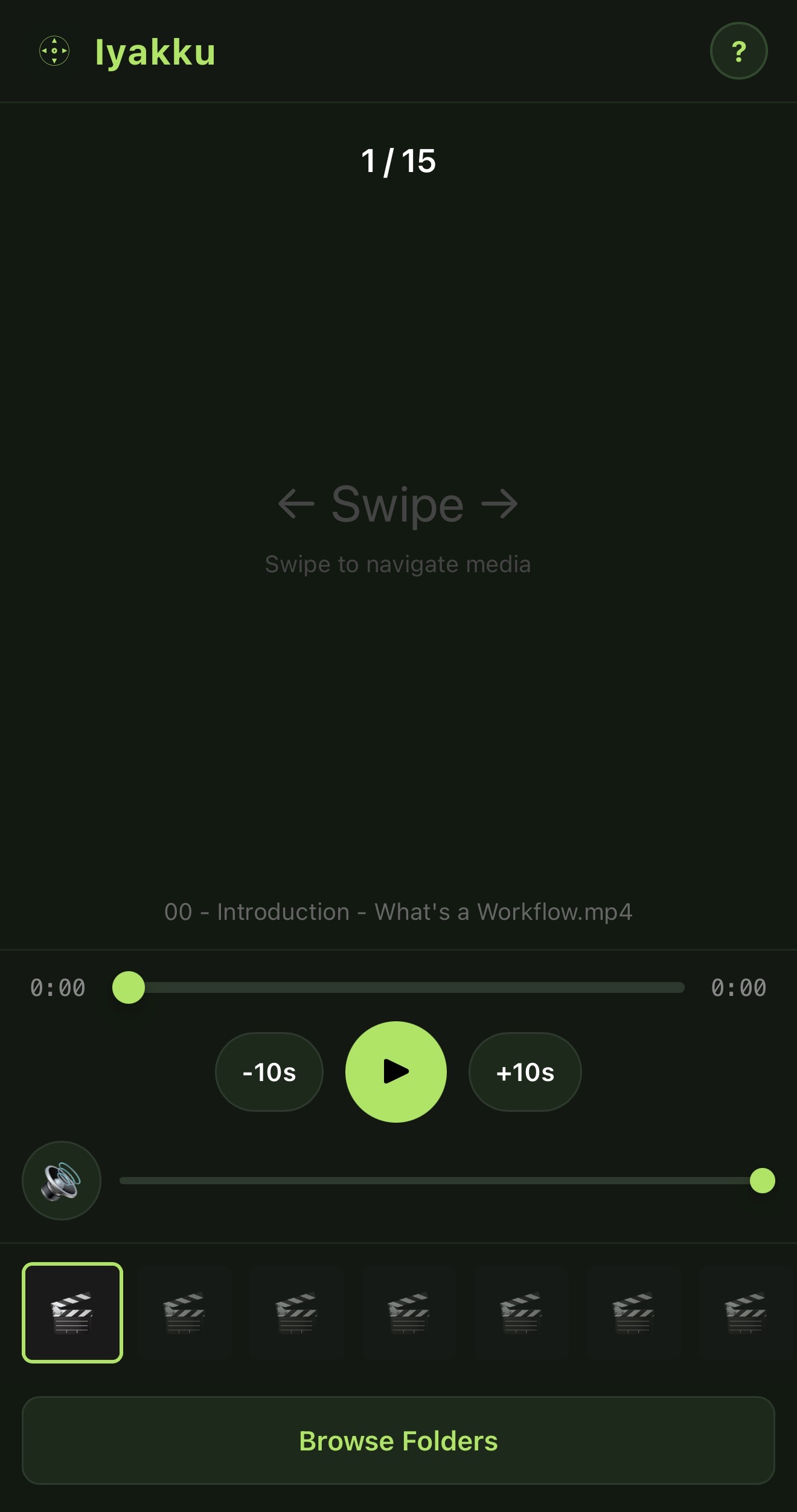
Full video & audio controls
Three steps. No accounts, no cloud, no setup headaches.
Download the app or run pip install iyakku. Launch it on your laptop.
A QR code appears on your laptop screen. Scan it with your phone's camera.
Browse folders, swipe through photos, play videos — all from your phone.
Everything you need to present and share media from your laptop.
Swipe through photos with touch gestures. Pinch to zoom, slideshow mode, thumbnail strip, and auto EXIF rotation.
Full playback controls — play, pause, seek, volume. Supports MP4, MKV, MP3, FLAC, and more.
Open PowerPoint, Keynote, or PDF files and navigate slides with swipe gestures from your phone.
Add the controller to your phone's home screen for a native app-like experience. Works offline after first load.
4-digit PIN lock ensures only you can control the session. Single active controller at a time.
Native apps for macOS (Apple Silicon & Intel) and Windows. Also installable via pip on any OS.
Find files instantly with real-time search. Filter by type — photos, videos, audio, or presentations.
No accounts, no cloud, no internet required. Just your laptop and phone on the same WiFi network.
Pick your platform and start controlling in seconds.
Standalone .app — just unzip and run.
Portable app — unzip and run Iyakku.exe.
Works on macOS, Windows, and Linux. Requires Python 3.9+.